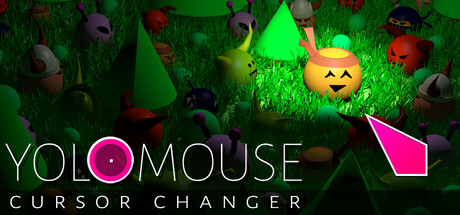
YoloMouse - Cursor Changer
Review score
8
Positive reviews
1,366
Negative reviews
101
Genres
Action,Indie,Animation & Modeling,Design & Illustration,Education,Photo Editing,Software Training,Utilities,Game Development
Tags
Cursors are easy to lose — especially in fast games or bright scenes. Customize and enhance your cursor in both games and Windows apps. Ideal for MOBA, MMO, RPG, and ARPG games. Great for presentations, streaming, and everyday desktop use. Let this cursor changer be your game changer! Boost Visibility Make those tiny cursors...
Similar Games
Games with similar mechanics, themes, and player interests.

Description
Cursors are easy to lose — especially in fast games or bright scenes. Customize and enhance your cursor in both games and Windows apps. Ideal for MOBA, MMO, RPG, and ARPG games. Great for presentations, streaming, and everyday desktop use. Let this cursor changer be your game changer! Boost Visibility Make those tiny cursors large and colorful. Enhance Existing Cursors Keep the original theme while enhancing cursors with size and glow. Add Effects Effects like zoom, cross, and halo improve clarity on busy screens. Add Style Stylized and animated 3D cursor options. Features Anywhere : Works in games and Windows apps. Size : Resize new and existing cursors. Colors : Wide range of colors, including inverted color. Effects : Add zoom, cross, halo, glow, and mirror. Presets : Quickly apply pre-assigned cursor sets. Create : Built-in editor supports basic and animated cursors. Fast : No bloat. No impact on performance. Variety : Includes many basic and 3D overlay cursors. Community : Share and download even more cursors via Steam Workshop. Fun : Jiggle physics! Getting Started Hover a cursor you wish to change and hit CTRL ALT C to open the cursor selection UI. Then choose a new style, size, and color. PRO TIP: To make all cursors visible quickly, choose the special ALL cursor. Then increase the size or add glow. Not a Cheat YoloMouse works like other accessibility tools. It does not modify games or provide gameplay advantages. It is widely whitelisted, code signed for security, and routinely tested against major titles. Always verify it complies with your game’s ToS before use.